Table of Contents
◉ Introduction ◉ Reader Roadmap ◉ Understanding the Core Difference ◉ Feature Comparison (What Actually Matters) ◉ When Logomakerr.ai Is the Better Choice ◉ When Canva Is the Better Choice ◉ Step-by-Step: Creating a Logo with Logomakerr.ai ◉ FAQ ◉ Conclusion: What Should You Choose?
Building a recognizable brand used to require hiring a designer or learning complex tools. Today, platforms like Logomakerr.ai and Canva promise to put professional design within reach—especially for entrepreneurs moving fast with limited resources. But these tools serve different purposes, and choosing the wrong one can slow you down or dilute your brand.
This guide breaks down the real differences between Logomakerr.ai and Canva, not just in features—but in workflow, use cases, and long-term value. You’ll learn when each tool makes sense, how to use them effectively, and how to avoid common mistakes that can cost you time or credibility.
Reader Roadmap
• A clear comparison of Logomakerr.ai vs Canva (features, workflows, limitations)
• When each tool is the smarter choice for entrepreneurs
• Step-by-step guidance for creating a logo with Logomakerr.ai
• Practical use cases and real-world scenarios
• Common pitfalls and how to fix them
• FAQ + actionable next steps
Understanding the Core Difference
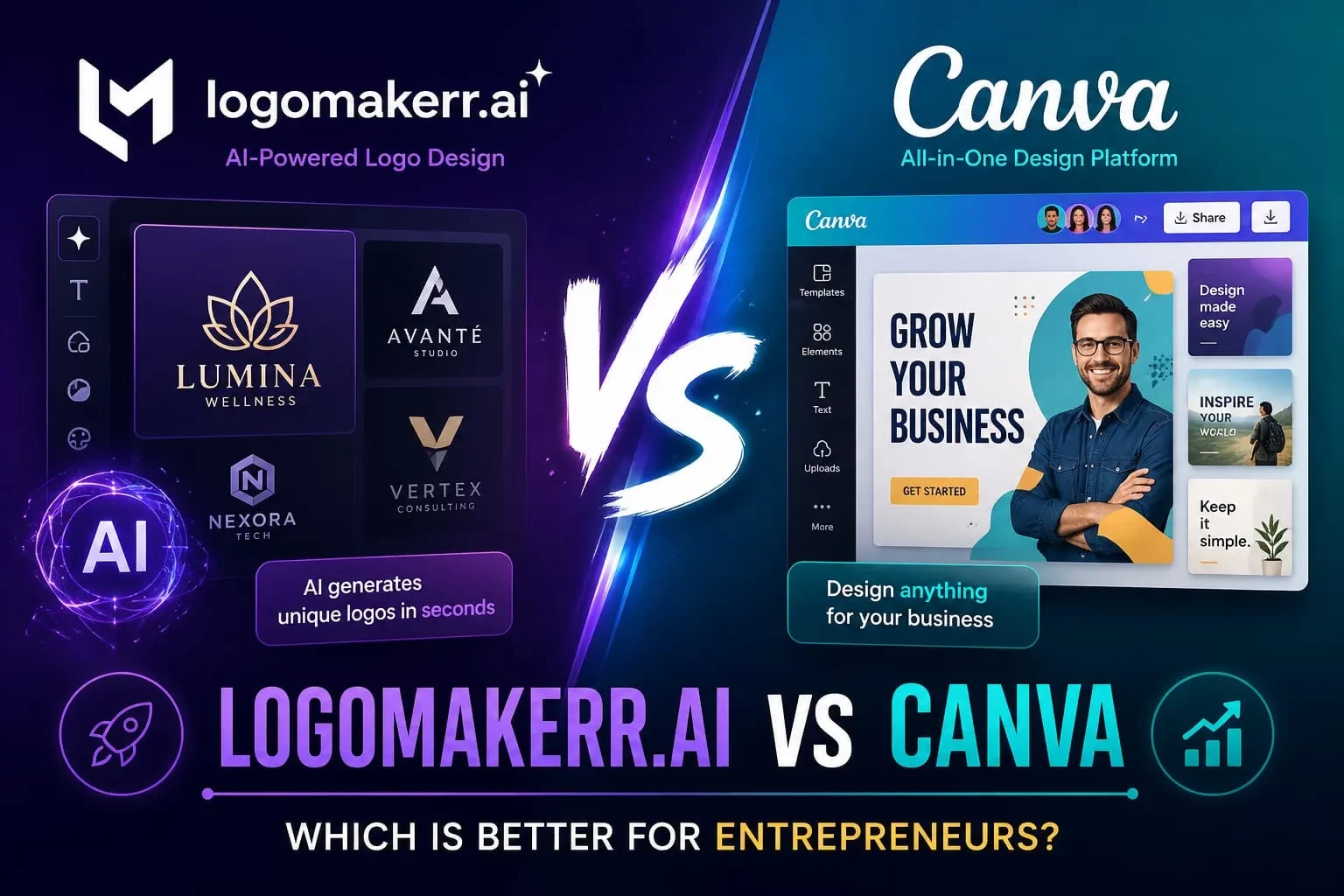
At a high level, these tools are not direct competitors—they solve different problems.
• Logomakerr.ai is specialized: it uses AI to generate logos quickly based on your business name and preferences.
• Canva is broad: it’s a full design platform for everything from social media posts to presentations, including logos.
Think of it this way:
• Logomakerr.ai = logo creation engine
• Canva = design ecosystem
This distinction matters because your decision shouldn’t just be about features—it should be about what stage your business is in.
Feature Comparison (What Actually Matters)
| Category | Logomakerr.ai | Canva |
|---|---|---|
| Core Purpose | AI logo generation | Full design suite |
| Ease of Use | Extremely fast, minimal input | Easy, but more manual |
| Customization | Moderate (AI-based options) | High (drag-and-drop editing) |
| Templates | AI-generated logos | Thousands of templates |
| Branding Tools | Basic logo output | Full brand kits (fonts, colors, assets) |
| Best For | Quick brand identity | Ongoing marketing design |
When Logomakerr.ai Is the Better Choice
Logomakerr.ai shines when speed and simplicity matter most.
Ideal scenarios:
• You’re launching a startup or MVP
• You need a logo today, not next week
• You don’t have design experience
• You want AI-generated variations instantly
<!-- IMAGE1: alt="AI-generated logo variations in Logomakerr.ai interface showing multiple branding styles" -->
The image above illustrates how Logomakerr.ai produces multiple logo directions instantly—this is its biggest advantage. Instead of starting from scratch, you begin with options.
Why it works:
• Removes decision paralysis
• Reduces design time from hours to minutes
• Gives you a usable starting point (even if you refine later)
Limitation to understand:
You’re working within AI-generated boundaries. If your brand needs deep customization or uniqueness, you may outgrow it.
When Canva Is the Better Choice
Canva is not about speed—it’s about control and scalability.
Ideal scenarios:
• You already have a logo (or created one elsewhere)
• You need marketing assets (ads, posts, presentations)
• You want consistent branding across channels
• You’re building a long-term brand system
<!-- IMAGE2: alt="Canva dashboard with templates for social media posts, presentations, and branding kits" -->
The image shows Canva’s ecosystem—this is where it dominates. You’re not just designing a logo; you’re building an entire visual presence.
Why it works:
• Massive template library
• Brand kits (colors, fonts, logos in one place)
• Easy collaboration with teams
Limitation to understand:
Creating a logo from scratch in Canva can feel overwhelming if you don’t know design basics.
Step-by-Step: Creating a Logo with Logomakerr.ai
If your goal is speed and simplicity, here’s how to do it right.
Step 1: Enter Your Brand Information
• Business name
• Optional slogan
• Industry/category
Step 2: Choose Style Preferences
• Fonts (modern, classic, bold)
• Color palettes
• Icon styles
<!-- IMAGE3: alt="Logomakerr.ai customization screen showing font and color selection options" -->
This step matters more than it seems. The AI uses your inputs to generate relevant designs, so vague choices lead to generic results.
Step 3: Review AI-Generated Logos
• Browse multiple variations
• Shortlist 2–3 strong options
Step 4: Customize Your Favorite
• Adjust colors
• Resize elements
• Modify text alignment
Step 5: Export Your Logo
• Download in appropriate formats (PNG, SVG if available)
• Save multiple versions (light/dark backgrounds)
Practical Use Case: Startup Founder Workflow
Let’s say you’re launching a new SaaS tool.
Phase 1 (Day 1):
• Use Logomakerr.ai to generate a logo quickly
• Choose a clean, adaptable design
Phase 2 (Week 1):
• Import that logo into Canva
• Build social media assets, pitch decks, and ads
This hybrid approach is what many entrepreneurs overlook. You don’t have to choose one tool—you can sequence them strategically.
Cost and ROI Considerations
Pricing evolves frequently, so focus on value rather than exact numbers.
Logomakerr.ai:
• Typically pay-per-download or one-time purchase
• High ROI for quick branding
Canva:
• Free tier available
• Paid plan unlocks brand kits, premium assets, and collaboration
Strategic takeaway:
• Use Logomakerr.ai to create
• Use Canva to scale
Pros, Cons, and Tradeoffs
Logomakerr.ai
Pros
• Fast logo creation
• AI-driven suggestions
• Beginner-friendly
Cons
• Limited deep customization
• Less control over fine details
Canva
Pros
• Full design ecosystem
• High customization
• Strong for ongoing marketing
Cons
• Slower for logo creation
• Requires more manual input
When NOT to Use Each Tool
Avoid Logomakerr.ai if:
• You need a highly unique, premium brand identity
• You’re working with strict brand guidelines
Avoid Canva for logo creation if:
• You need fast results
• You lack design intuition
Common Mistakes (and How to Fix Them)
1. Choosing a Logo Too Quickly
Problem: Picking the first AI result
Fix: Compare at least 3 variations and test readability
2. Overcomplicating Design in Canva
Problem: Adding too many elements
Fix: Stick to 2–3 colors and 1–2 fonts
3. Ignoring Brand Consistency
Problem: Different styles across assets
Fix: Use Canva’s brand kit feature
4. Using Low-Resolution Exports
Problem: Blurry logos in ads or websites
Fix: Always export high-resolution or vector formats
FAQ
Conclusion: What Should You Choose?
If you’re an entrepreneur, the right choice depends on your immediate goal:
• Need a logo fast → Use Logomakerr.ai
• Need full branding and marketing assets → Use Canva
• Want the best workflow → Use both together
Quick Decision Checklist
• Do I need speed or control?
• Am I building a logo or a full brand system?
• Will I need ongoing design assets?
Answer those, and your choice becomes obvious.
In most cases, the winning strategy isn’t choosing between these tools—it’s knowing when to use each one.
Sources
• Canva Official Website — https://www.canva.com
• Logomakerr.ai Official Website — https://logomakerr.ai
• Adobe Creative Trends Report (context on design accessibility, 2024) — https://www.adobe.com